Nouveau
Narth Gen 2.0
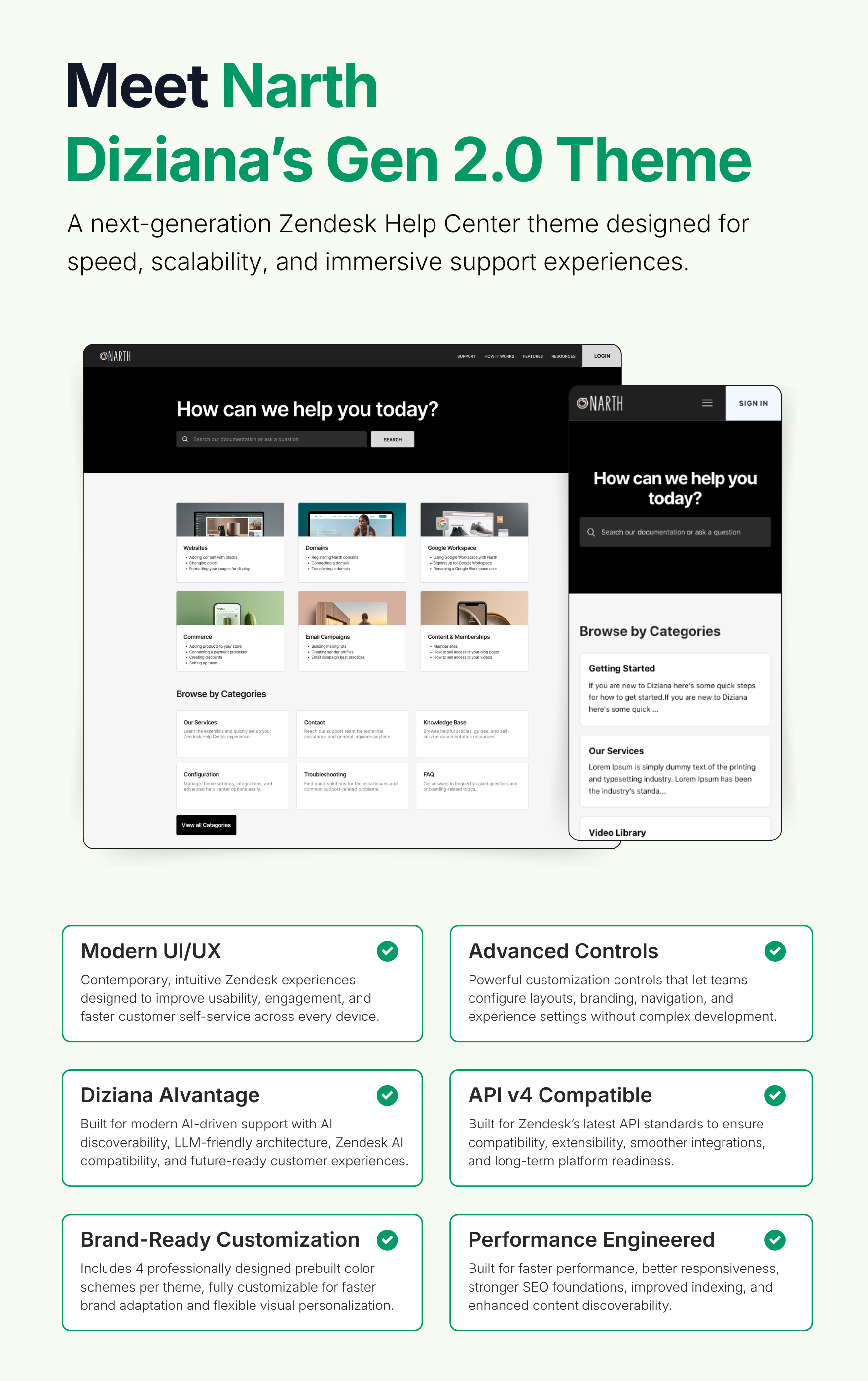
Diziana Narth Gen 2.0 is a fully responsive Zendesk® Guide Help Center Theme (templates). It can be used by all kind of organizations -- Technology, Education, Tour & Travels, Food, Startups, IT, Medical, Construction, Builder, Marketing, Startup, Fashion, Government, NGO, Not-For-Profit - Companies, Business or Organizations.
Concepteur
Diziana
About this theme
Diziana Narth Gen 2.0 is a fully responsive Zendesk® Guide Help Center Theme (templates); a minimalist, and elegant one.
It can be used by all kind of organizations -- Technology, Education, Tour & Travels, Food, Startups, IT, Medical, Construction, Builder, Marketing, Startup, Fashion, Government, NGO, Not-For-Profit - Companies, Business or Organizations.
Theme Editions
Standard Edition: USD 299 (one time cost with access to free upgrades to future versions -- minors and patches). The source code is not available in this edition. You will be able to change all important settings via admin UI.
Developer Edition: USD 339 (one time cost with access to free upgrades to future versions -- minors and patches). The full source code is available via 'Edit Code' button in theme customization area. You will be able to change all important settings via admin UI.
Purchase Includes
Theme License: Diziana Narth Gen 2.0 Theme License for One (1) Zendesk Help Center or Brand.
- Support: Ninety (90) days via email.
Introducing Diziana Creative Suite
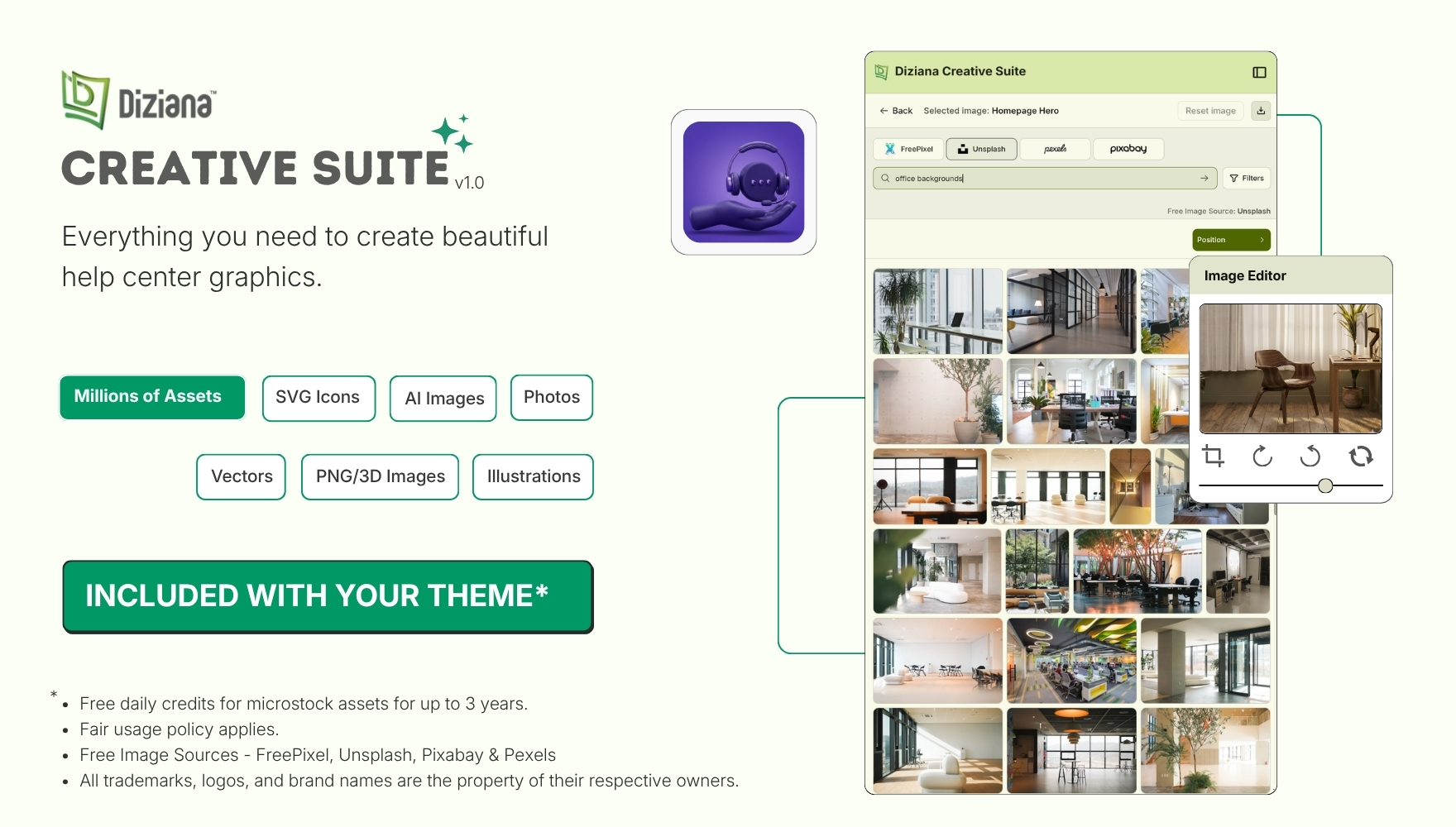
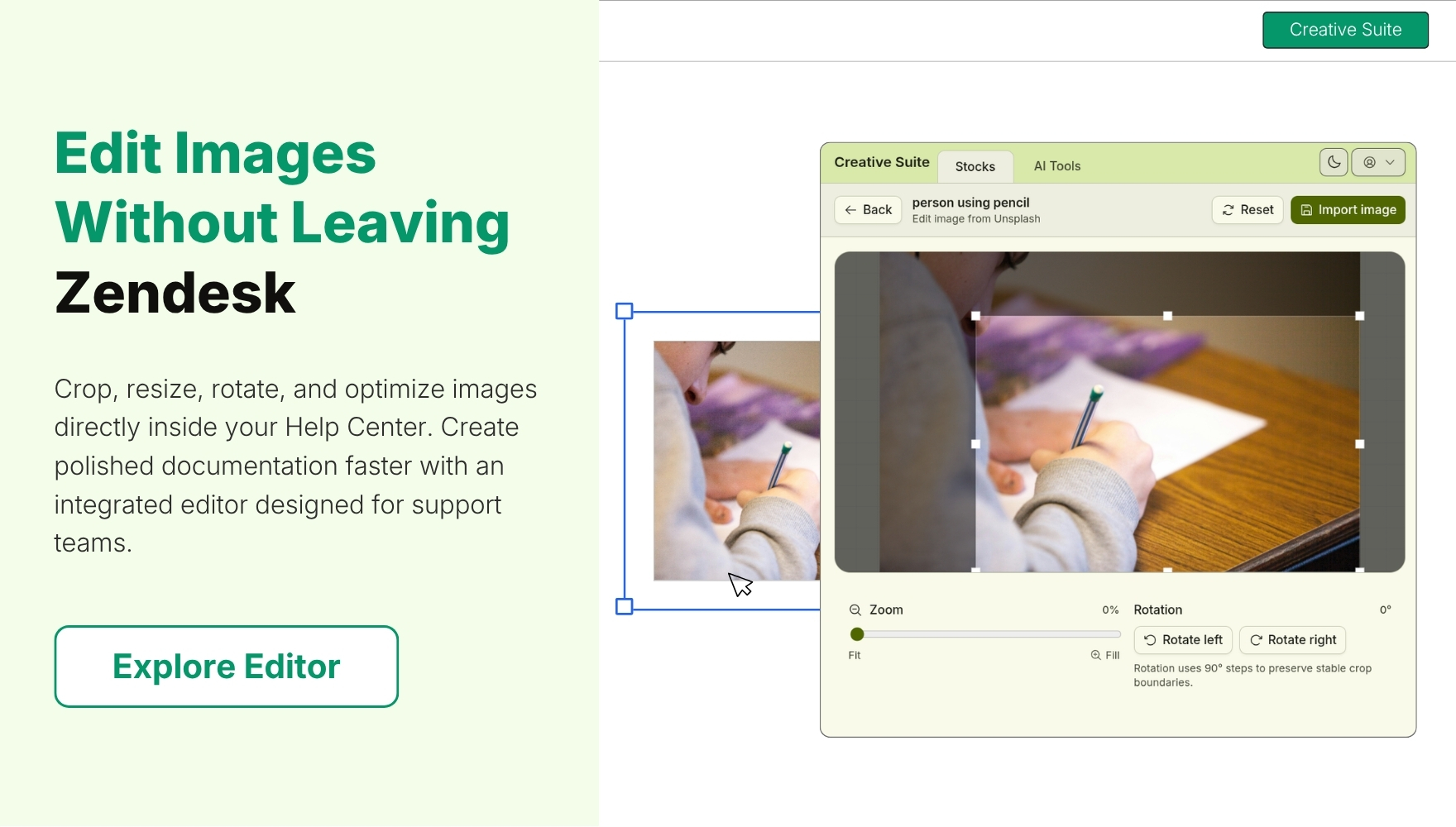
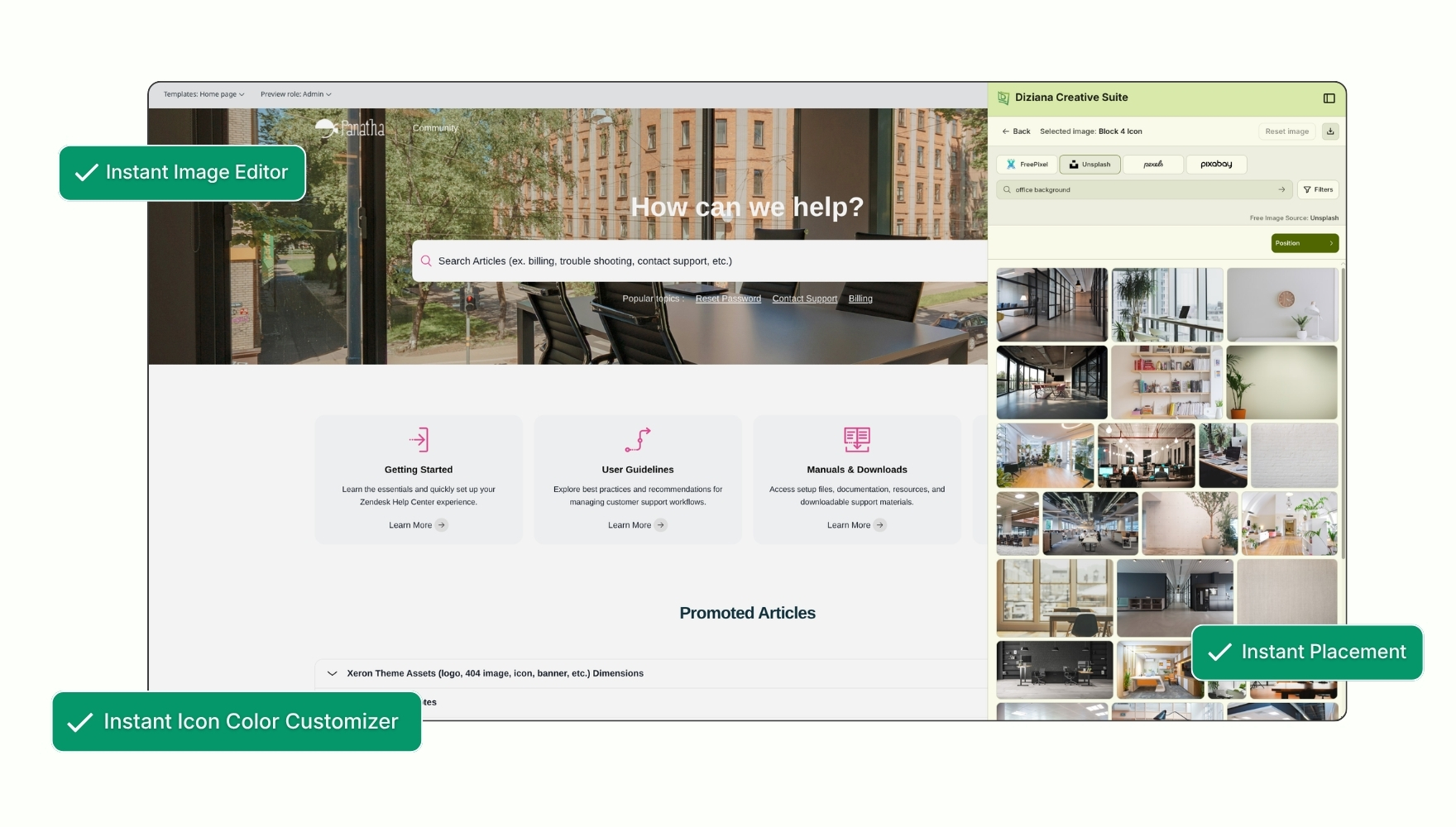
Diziana Creative Suite is an embedded creative workspace for Zendesk that helps teams quickly discover, customize, edit, and apply visual assets directly within their Help Center. Browse millions of images, illustrations, icons, and SVGs, then seamlessly insert them into your content, all without switching between tools.
Diziana Quell Gen 2.0 Theme Configuration and Features
Gen 2.0 Theme
✔ Modern UI/UX
Contemporary, intuitive Zendesk experiences designed to improve usability, engagement, and faster customer self-service across every device.
✔ Advanced Controls
Powerful customization controls that let teams configure layouts, branding, navigation, and experience settings without complex development.
✔ Diziana AIvantage
Built for modern AI-driven support with AI discoverability, LLM-friendly architecture, Zendesk AI compatibility, and future-ready customer experiences.
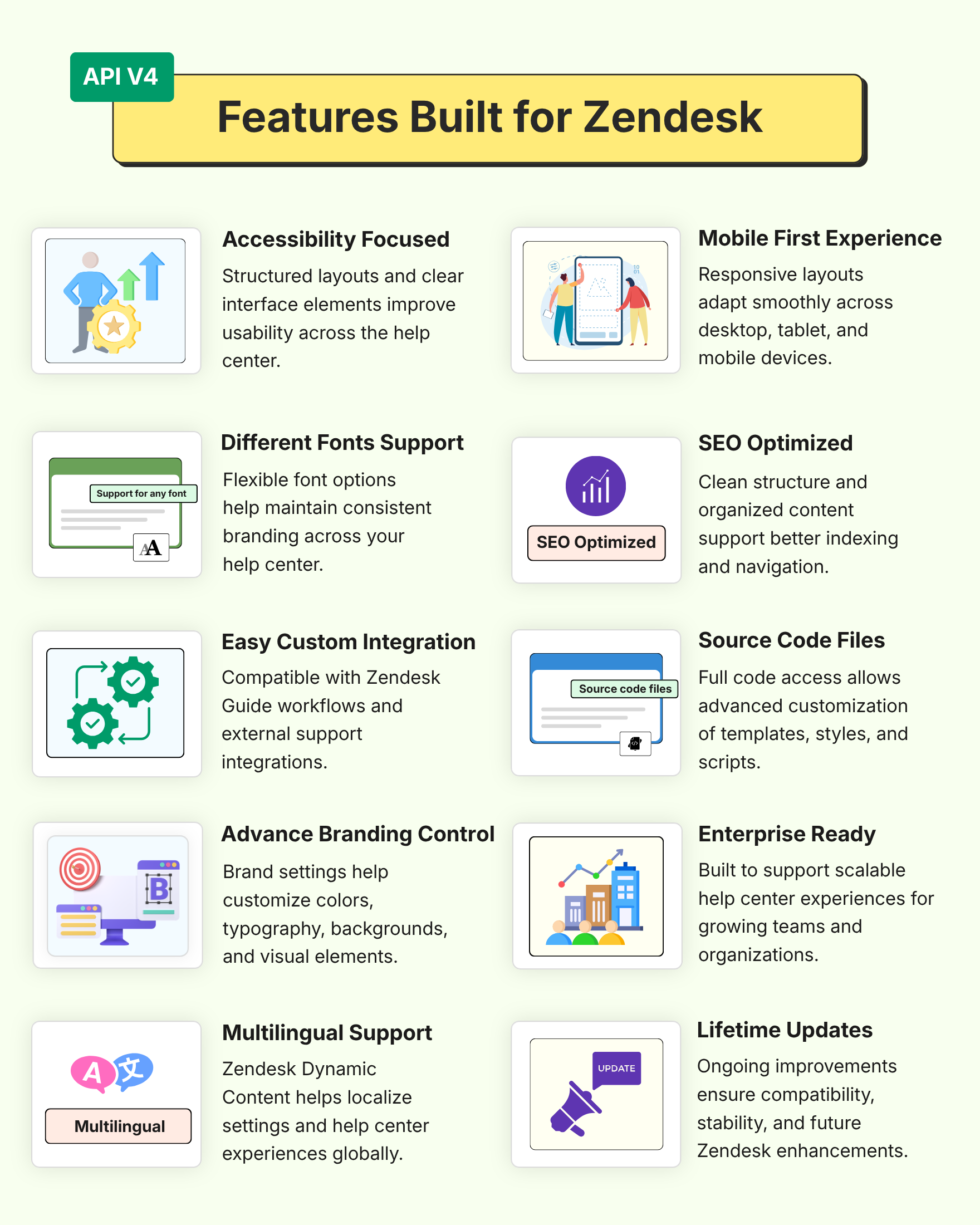
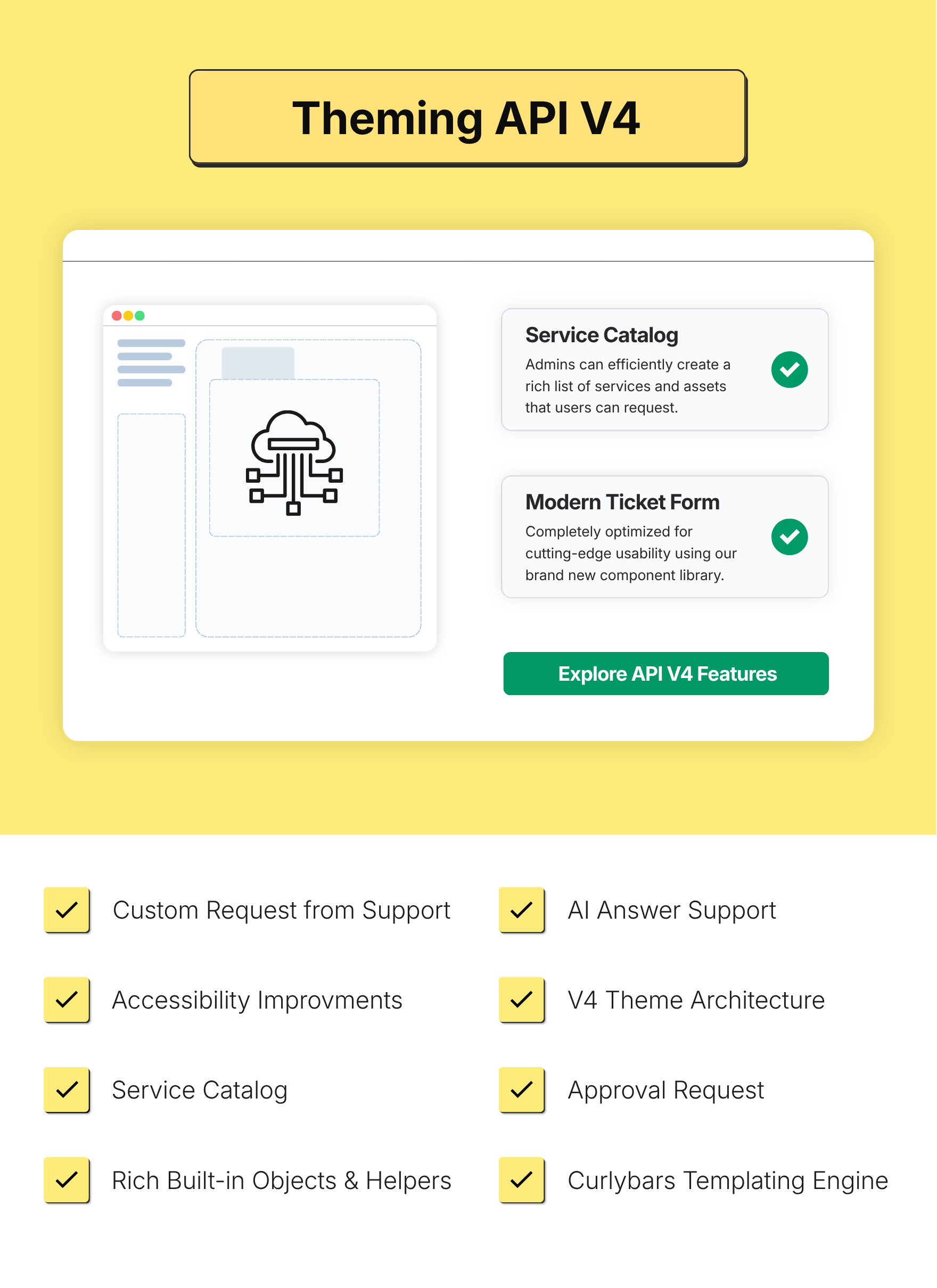
✔ API v4 Compatible
Built for Zendesk’s latest API standards to ensure compatibility, extensibility, smoother integrations, and long-term platform readiness.
✔ Brand-Ready Customization
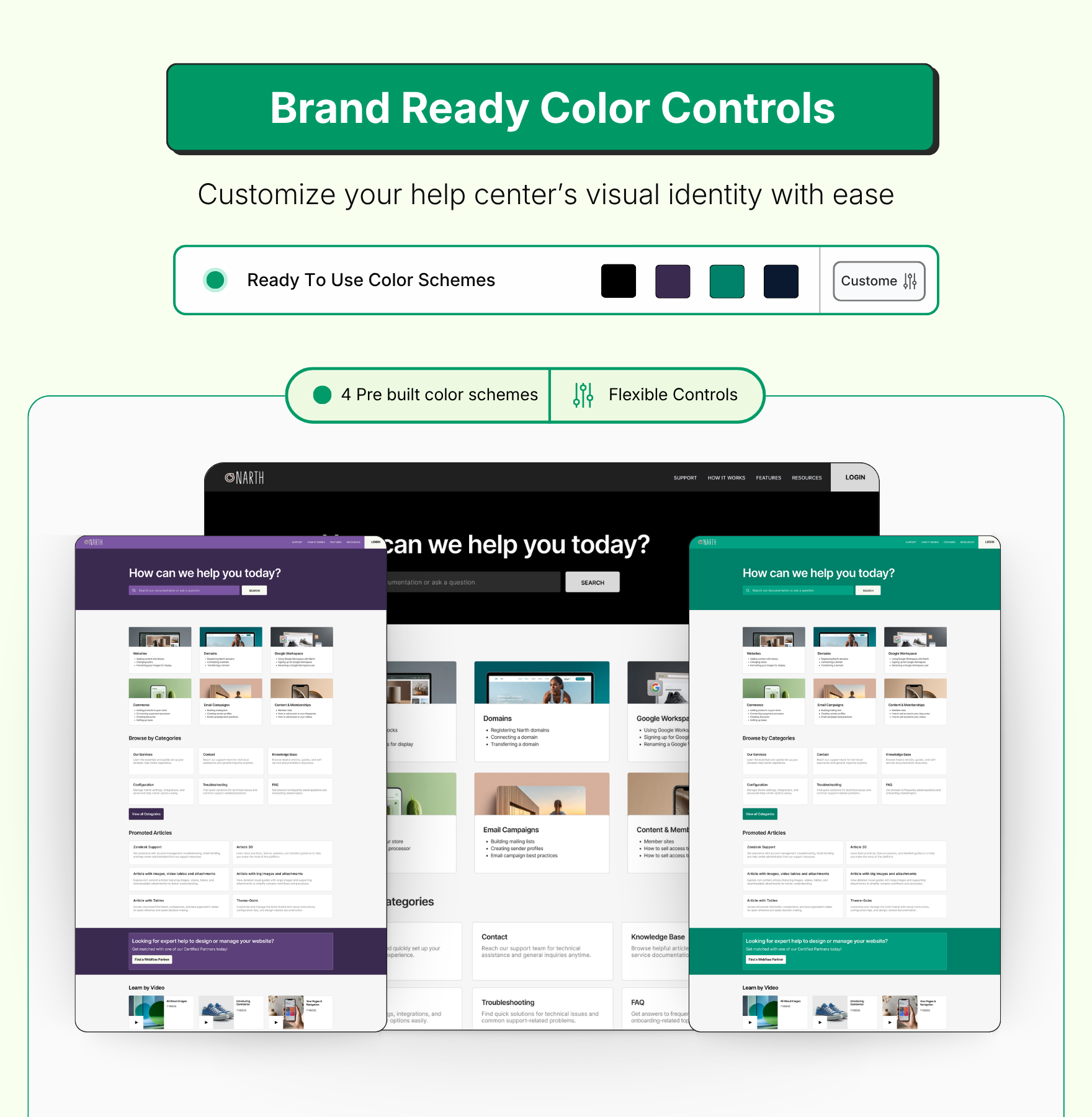
Includes 4 professionally designed prebuilt color schemes per theme, fully customizable for faster brand adaptation and flexible visual personalization.
✔ Performance Engineered
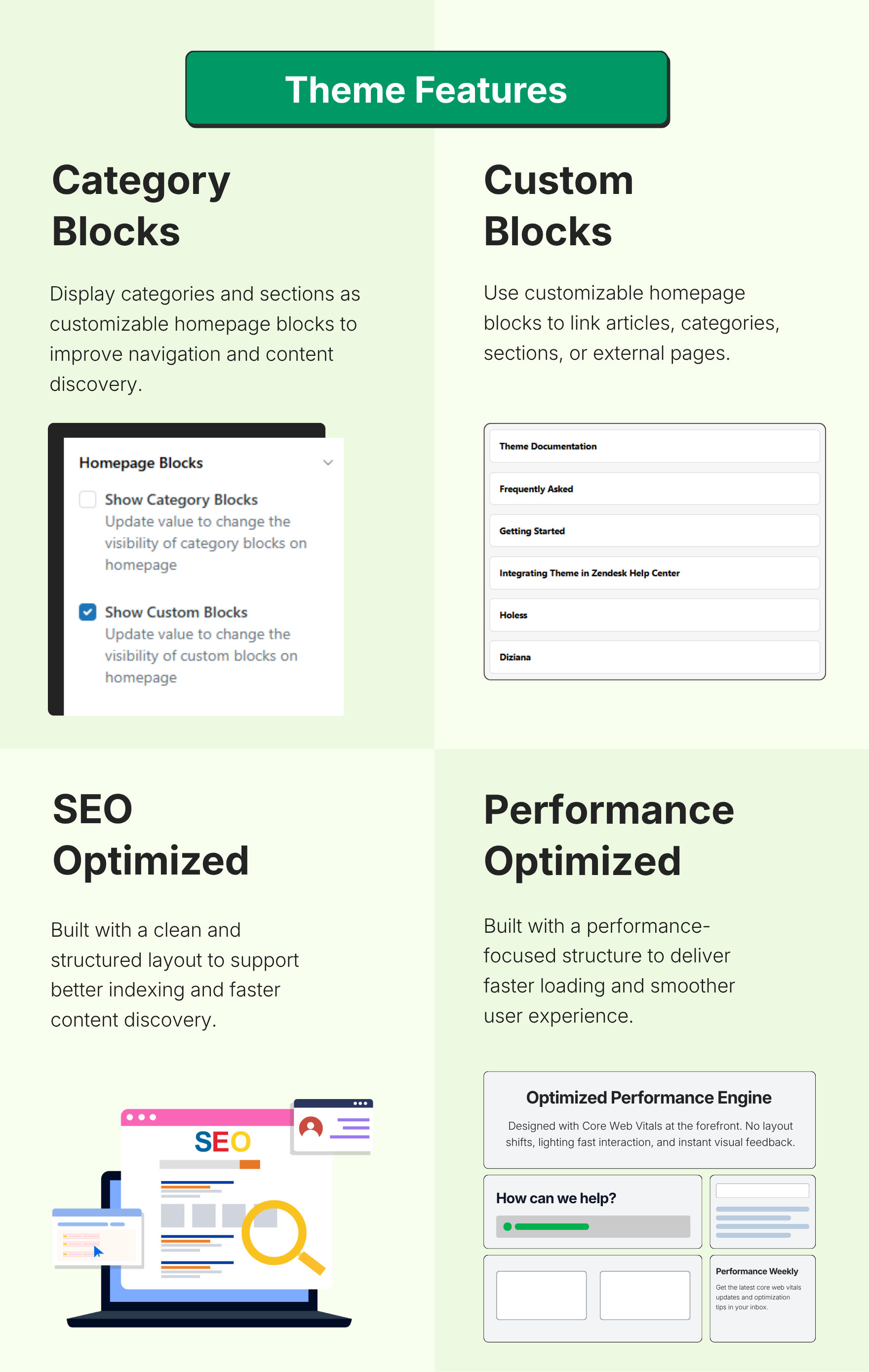
Built for faster performance, better responsiveness, stronger SEO foundations, improved indexing, and enhanced content discoverability.
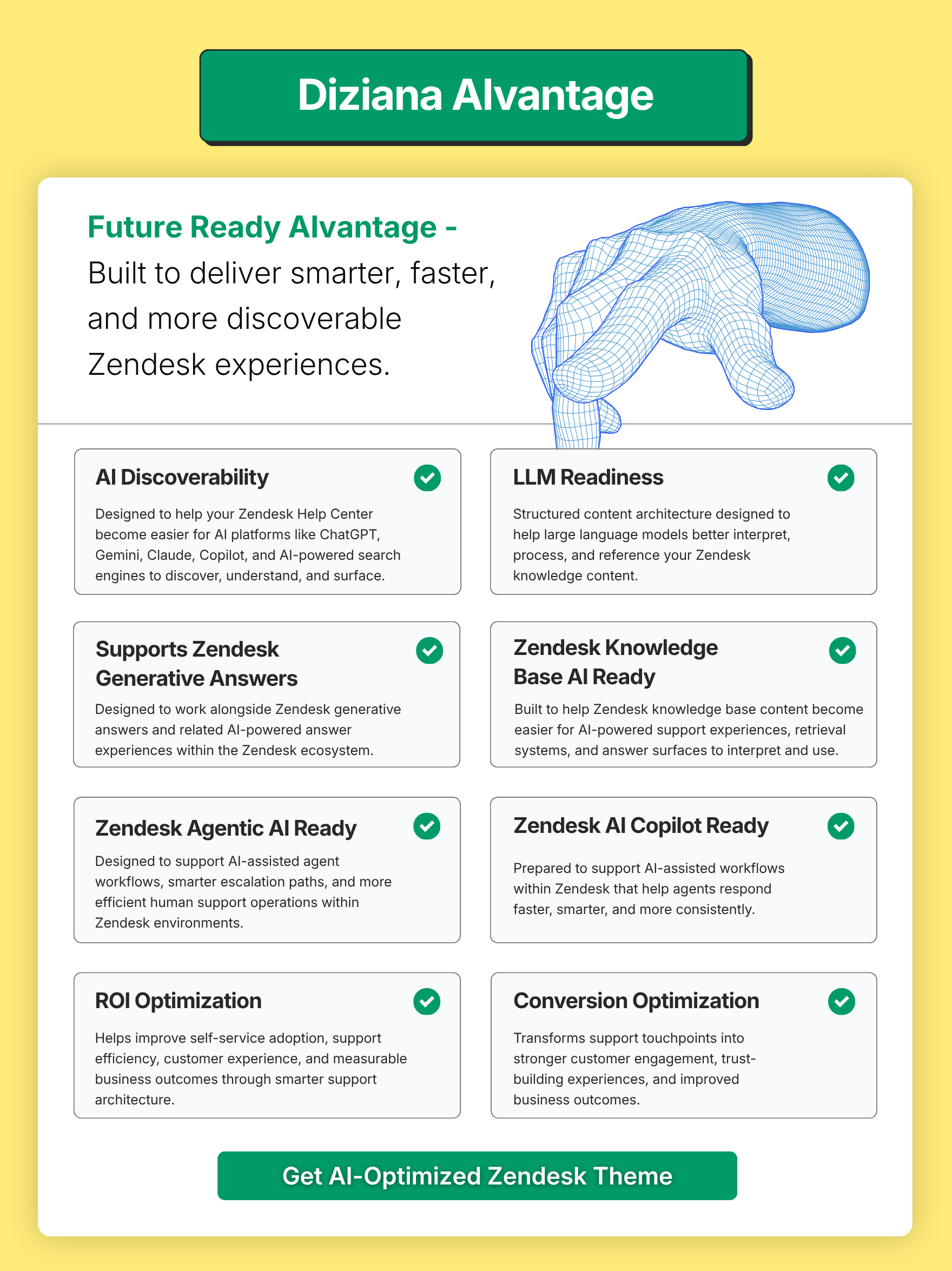
Diziana AIvantage
✔ AI Discoverability
Designed to help your Zendesk Help Center become easier for AI platforms like ChatGPT, Gemini, Claude, Copilot, and AI-powered search engines to discover, understand, and surface.
✔ LLM Readiness
Structured content architecture designed to help large language models better interpret, process, and reference your Zendesk knowledge content.
✔ Supports Zendesk Generative Answers
Designed to work alongside Zendesk generative answers and related AI-powered answer experiences within the Zendesk ecosystem.
✔ Zendesk Knowledge Base AI Ready
Built to help Zendesk knowledge base content become easier for AI-powered support experiences, retrieval systems, and answer surfaces to interpret and use.
✔ Zendesk Agentic AI Ready
Designed to support AI-assisted agent workflows, smarter escalation paths, and more efficient human support operations within Zendesk environments.
✔ Zendesk AI Copilot Ready
Prepared to support AI-assisted workflows within Zendesk that help agents respond faster, smarter, and more consistently.
✔ ROI Optimization
Helps improve self-service adoption, support efficiency, customer experience, and measurable business outcomes through smarter support architecture.
✔ Conversion Optimization
Transforms support touchpoints into stronger customer engagement, trust-building experiences, and improved business outcomes.
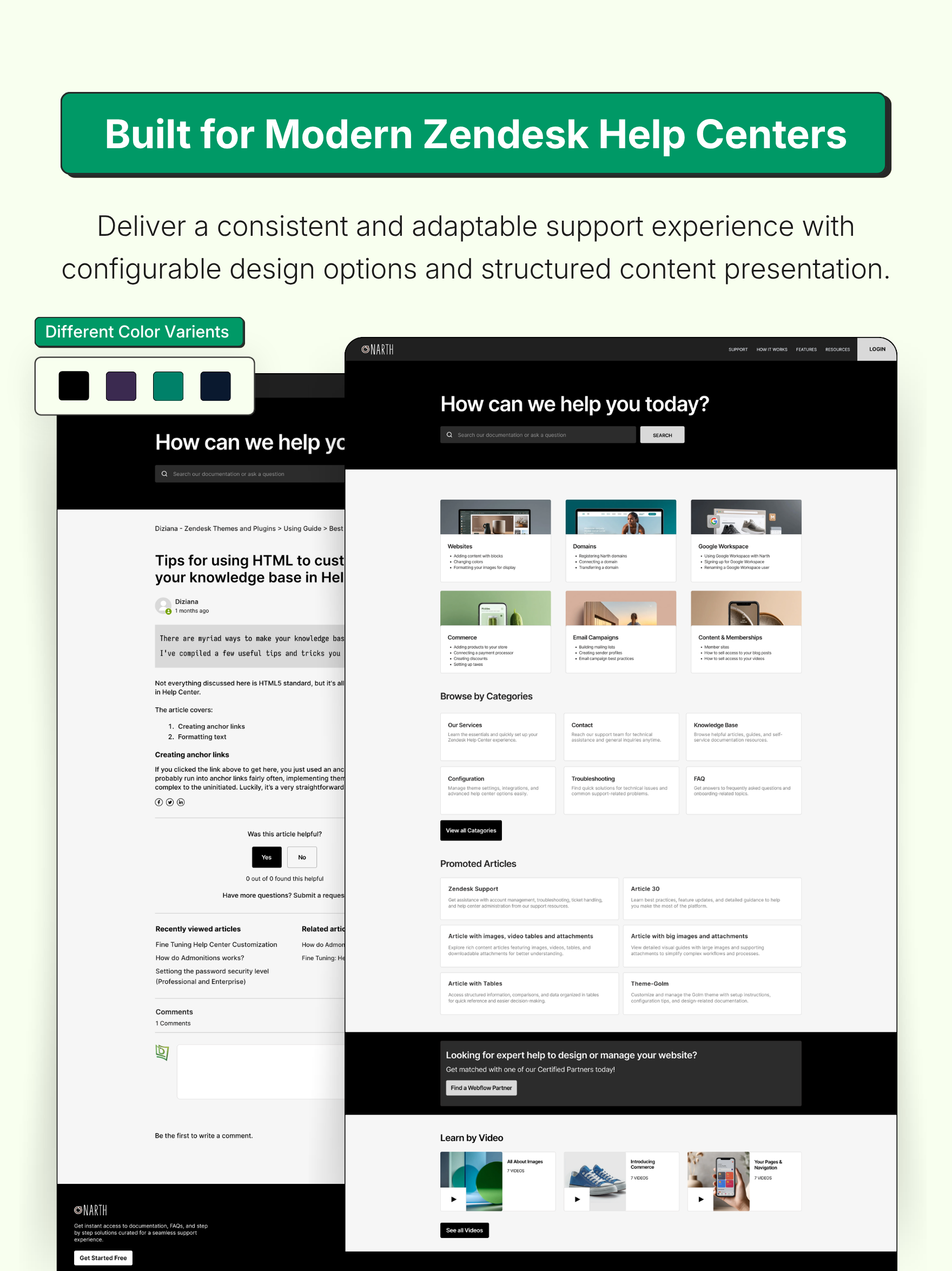
Customizable Theme Color Presets
Choose from four professionally designed color presets to instantly align the theme with your brand identity, eliminating the need to configure colors from scratch. Easily switch between visual styles to create a polished, consistent, and modern Zendesk Help Center experience in minutes.
Theme Features:
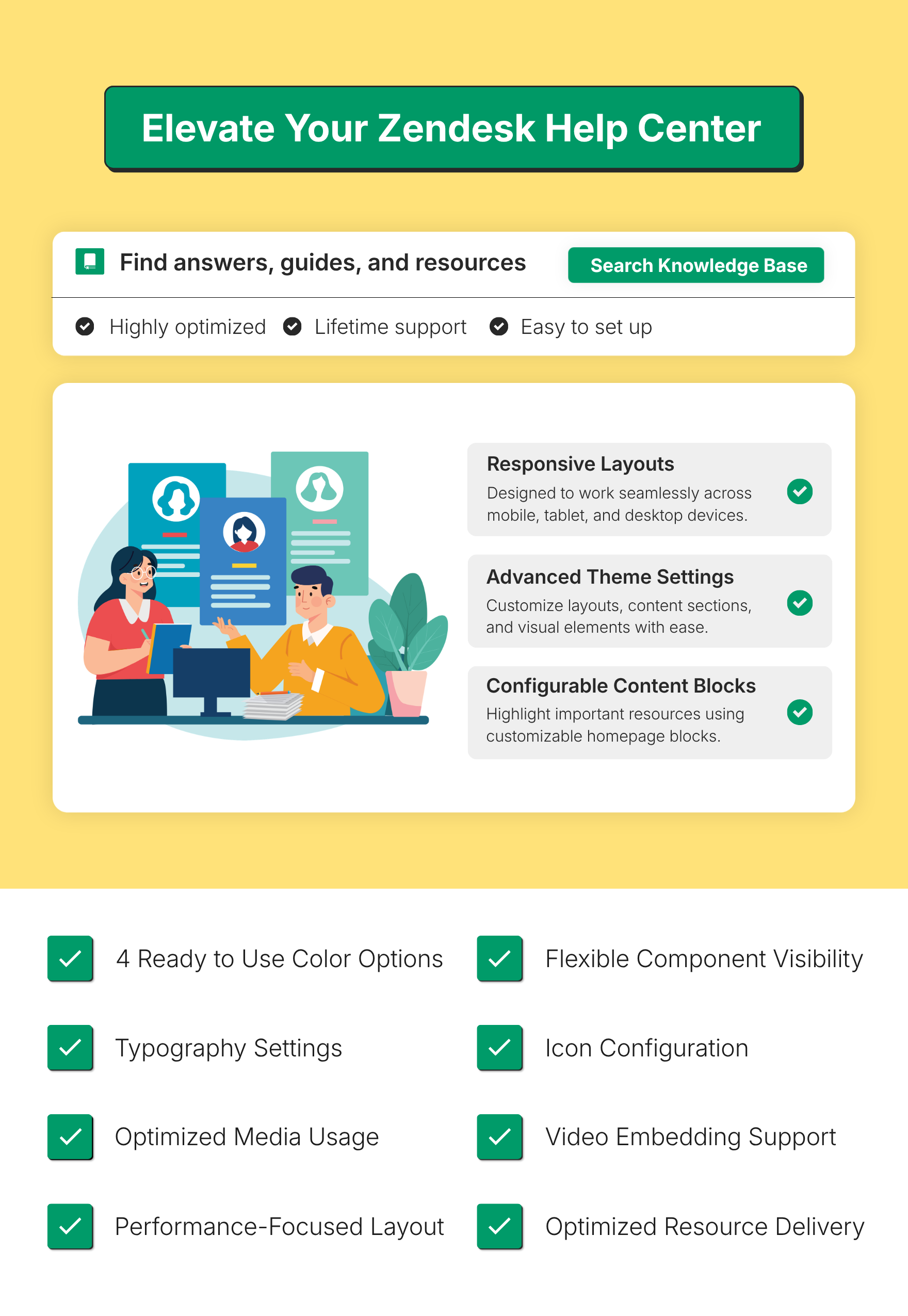
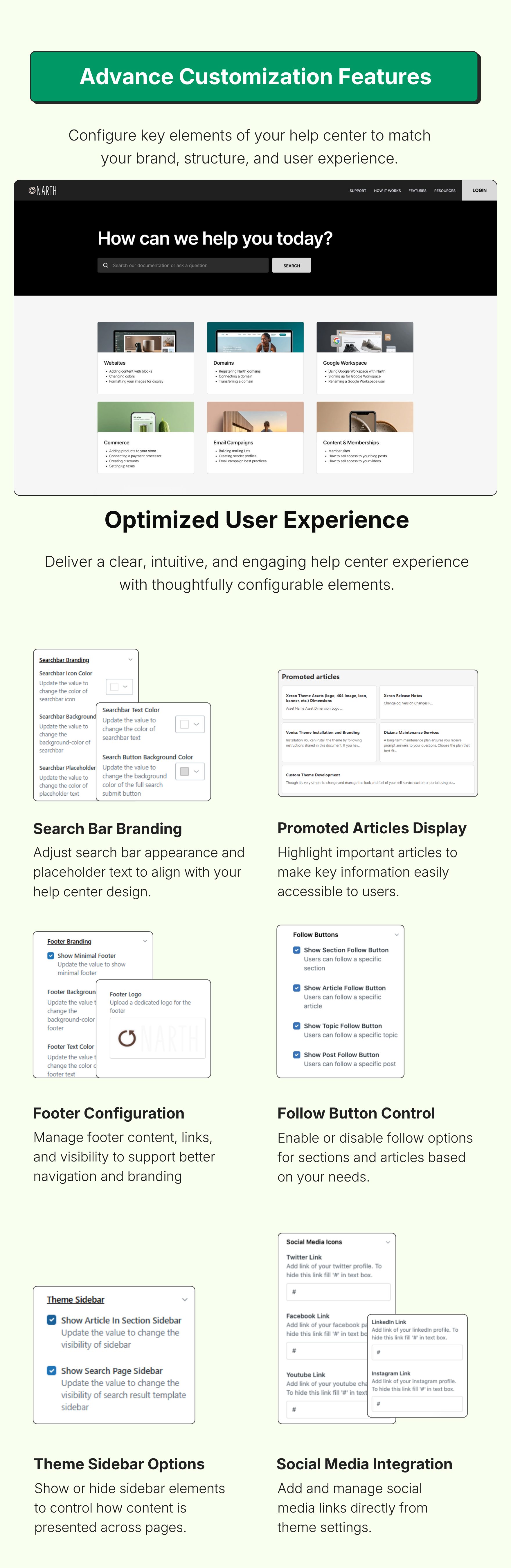
Custom Block Icons (on homepage) can be linked to anything;
Category Block Icons (on homepage) which can be used to list all guide categories
Knowledge base Tree (component that can be enabled on the homepage) -- simple list as well as accordion
Zendesk Gather Community Templates
Table of Content on article pages (optional -- can be enabled)
Admonitions (Note, Warning, Tips, etc.)
Responsive Tables in articles
Custom hero image for the homepage and community homepage
and more.
This theme is very adminable (configurable) from theme admin settings UI, and exposes the following settings. You can look at screenshots of settings to learn more.
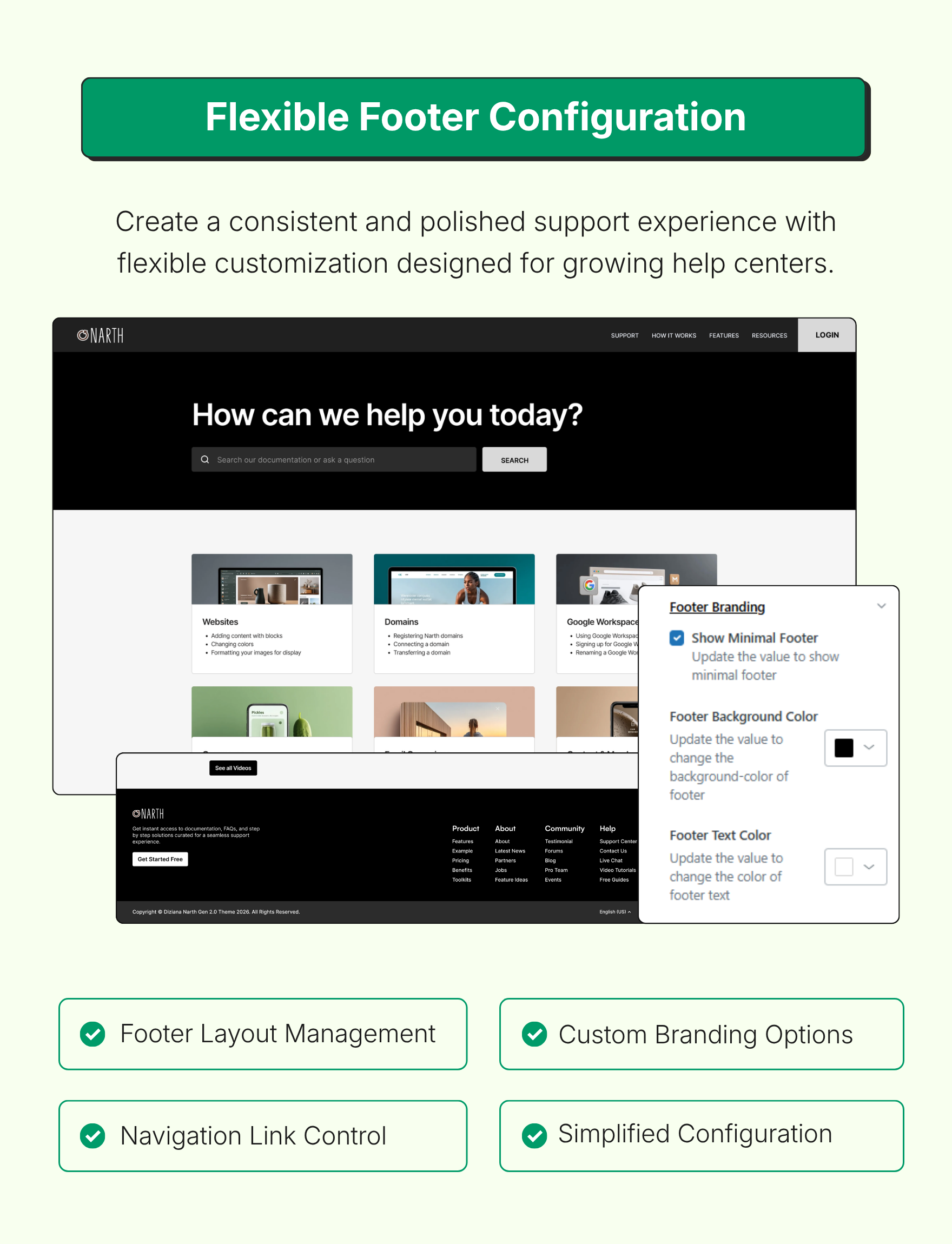
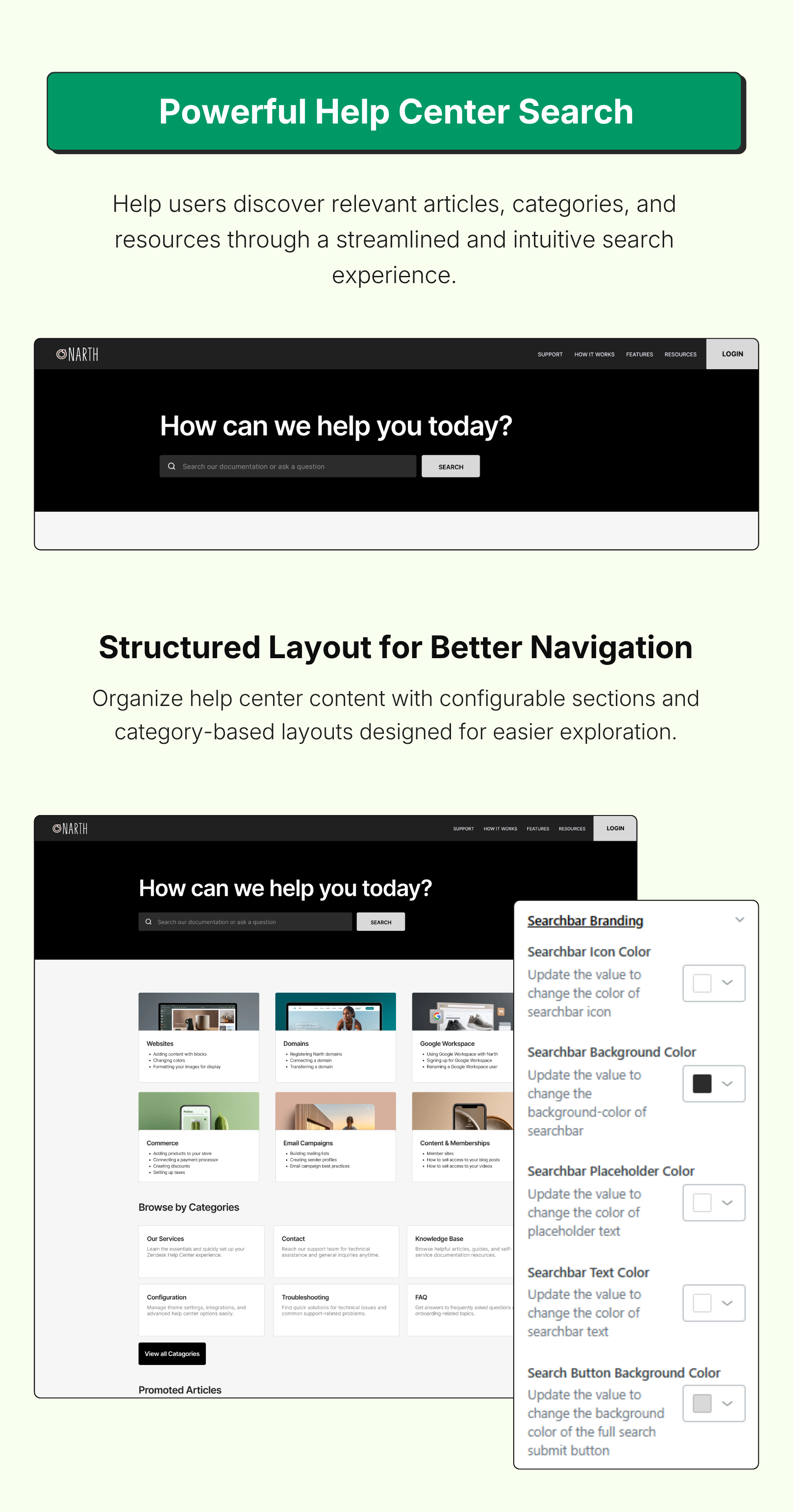
Colors (brand color, brand text color, background color, text color, link colors, header/footer background/text colors)
Fonts (select from a list of font families Zendesk Theming provides). You can use custom web fonts (Google Font, or your own) in Developer Edition because you need to have code access to use custom fonts.
Search Field Placeholder text
Show/Hide Custom Blocks -- a set of icons on homepage that can be used to link with anything (article, category, section, a page on your website, any page on internet)
Manage Custom Block settings (change icon, change title, change link URL, use Dynamic Content for multiple language support, etc.)
Change icon (image or font-awesome), text, links of Custom Blocks
Show/Hide Categories on the homepage (learn about blocks); Category blocks are a set of icons which are generated from the list of categories in the Guide. Icons with categories can be associated using Dynamic Content, and editing code (requires developer license)
Set/Unset minimal header/footer
Manage header/footer links via Dynamic Content
Set/Unset social media links
Show/Hide author details/meta (name, avatar, date) on article pages
Show/Hide sidebar
Show/Hide Follow button in section or article pages
Multiple Language support -- all relevant settings are localizable via Dynamic Content
and more.
The Standard Edition only allows changes via settings panel; which works for most cases, and we have exposed a lot of settings for you. If you want full control, and want to do advanced customization, you need Developer Edition for advanced customization such as:
change layout of templates
use custom fonts
add or remove features.
It is recommend that you purchase Developer Edition so you have access to complete code, and you can do custmization by changing CSS/HTML/JavaScript wherever needed. That said, the Standard Edition provides all important settings, and if you just want to get started it's good enough.
Please feel free to reach out for more information, or to ask any question (before or after purchasing the theme).
Contact us
24x7 Support: support@diziana.com
Détails du thème
Laisser un avis
Partagez votre expérience avec le reste de la communauté Zendesk