Dear Electronic Signature Recipient,
You have been designated as your company’s authorized signatory. If you are not the authorized signatory for your company, please redirect this email to the appropriate signatory.
Please click on the button below to review and electronically sign the BAA referenced in this email.
BUSINESS ASSOCIATE AGREEMENT
According to the terms in the Zendesk Customer Agreement, Customer is provided access to the Service(s), which upon execution of this BAA includes the provision of HIPAA Enabled Account(s). By executing this BAA, Zendesk consents to the Customer’s collection of Protected Health Information (PHI) through the Service(s). The purpose of this BAA is to reflect the parties’ agreement relating to PHI pursuant to the Health Insurance Portability and Accountability Act (HIPAA).
HOW TO EXECUTE THIS BAA
To execute this BAA, the Customer must fill in the following information on the Ironclad Launch Form:
Legal entity name of your company
Legal name
Title
Work email address
Date
Zendesk Account Numbers: account number(s) for HIPAA Enabled Account(s)
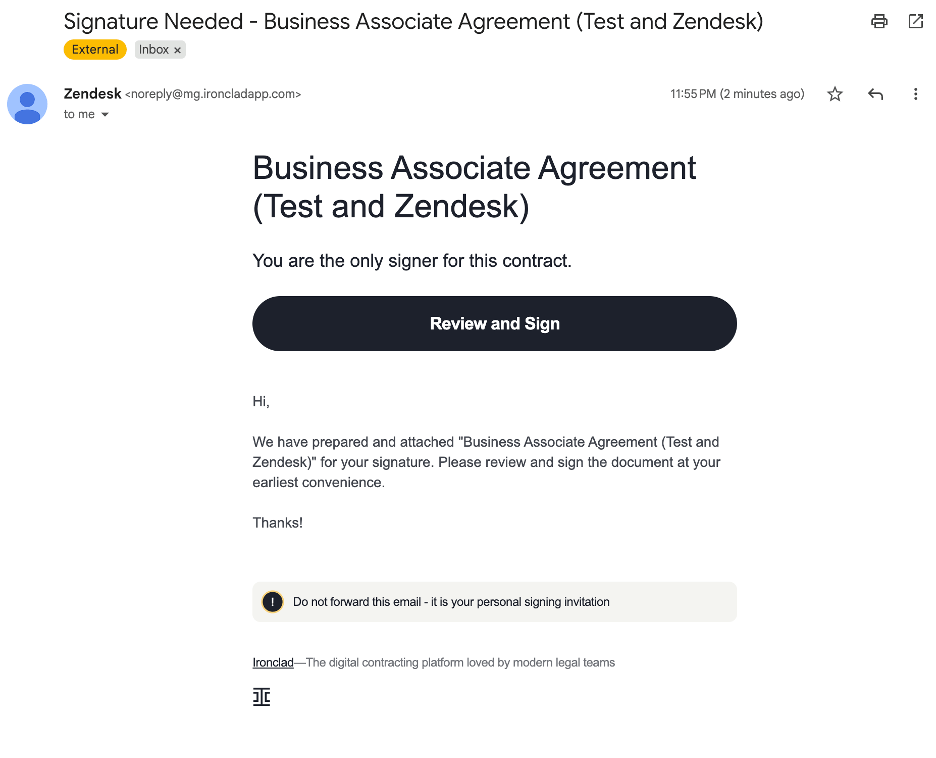
The Customer will then receive an email that has a link to Review and Sign the BAA.
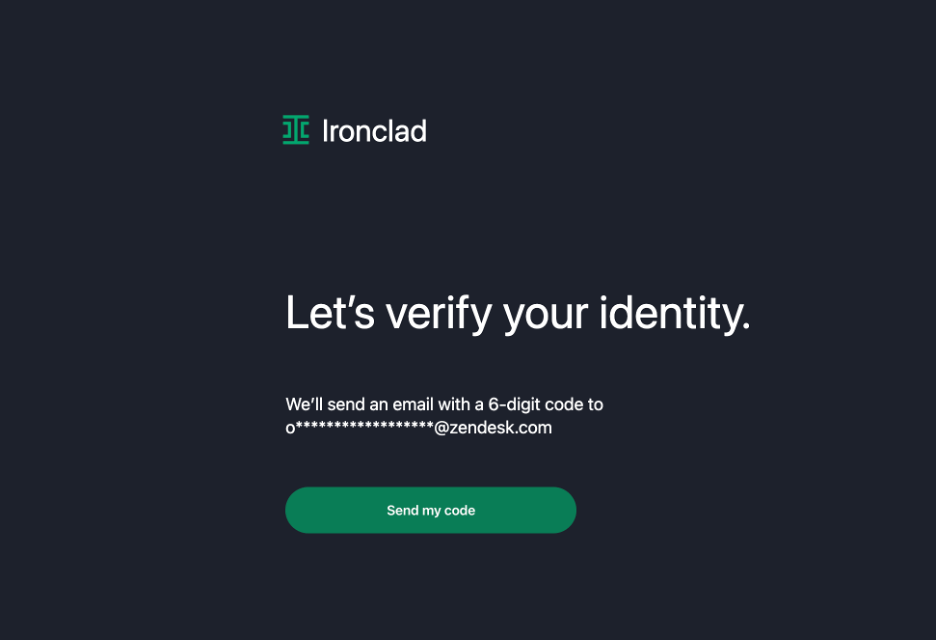
After clicking the link, you’ll open a new tab that will verify your identity. Click on “Send my Code”.
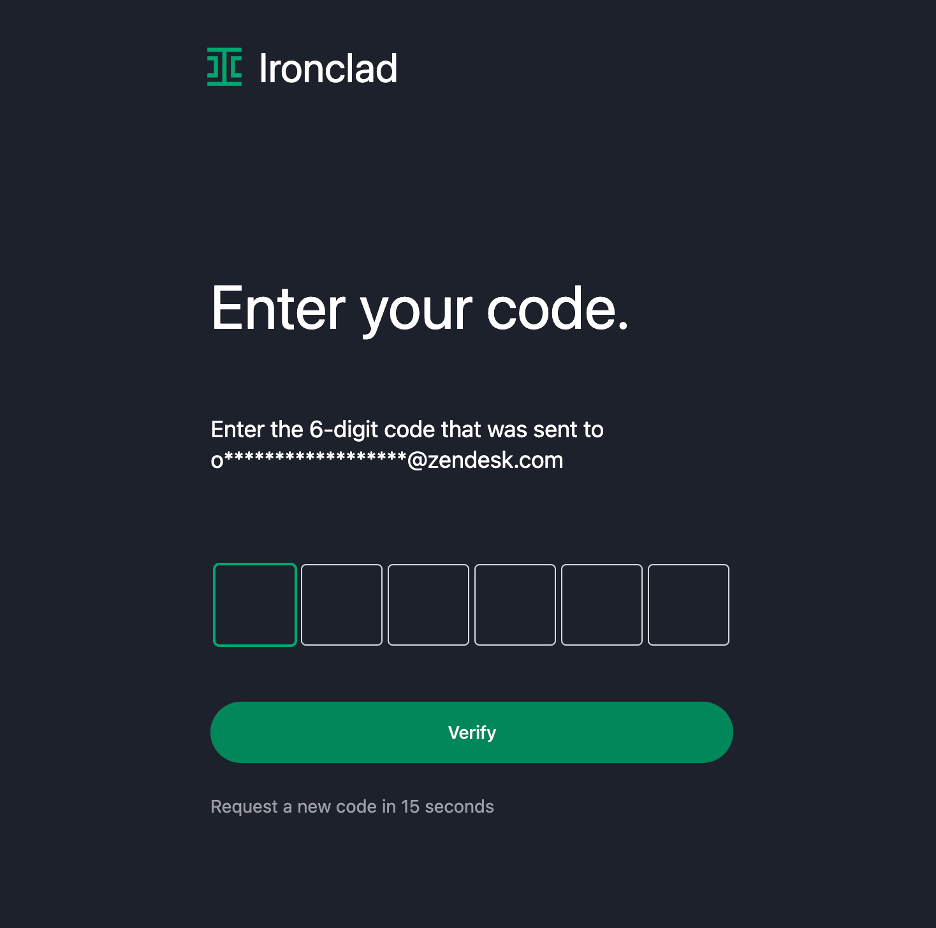
Enter the code that you receive in your email.
You will have the option to download the BAA for review prior to completing the execution process. To do so, simply click on the “Download” icon located at the top right corner of the page.
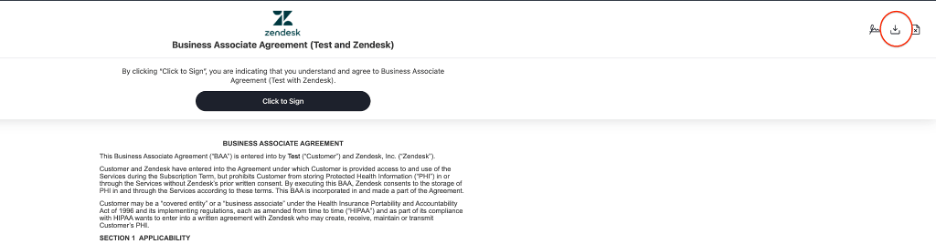
To execute the BAA, simply scroll to the end of the agreement then click on the “Click to Sign” button.
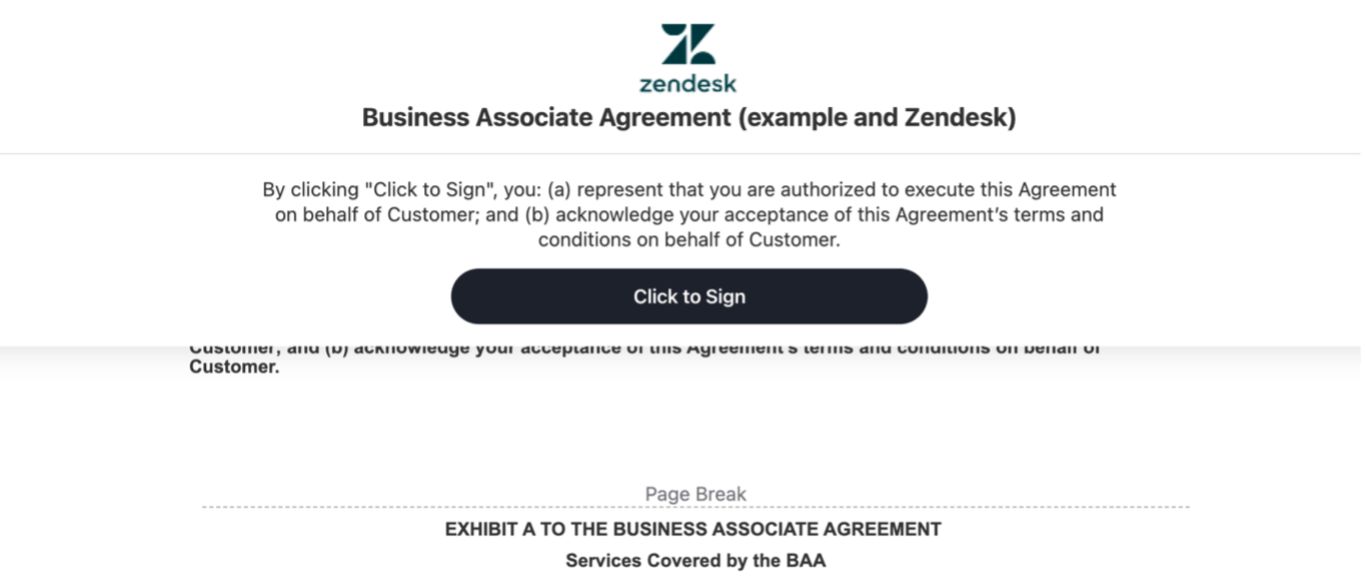
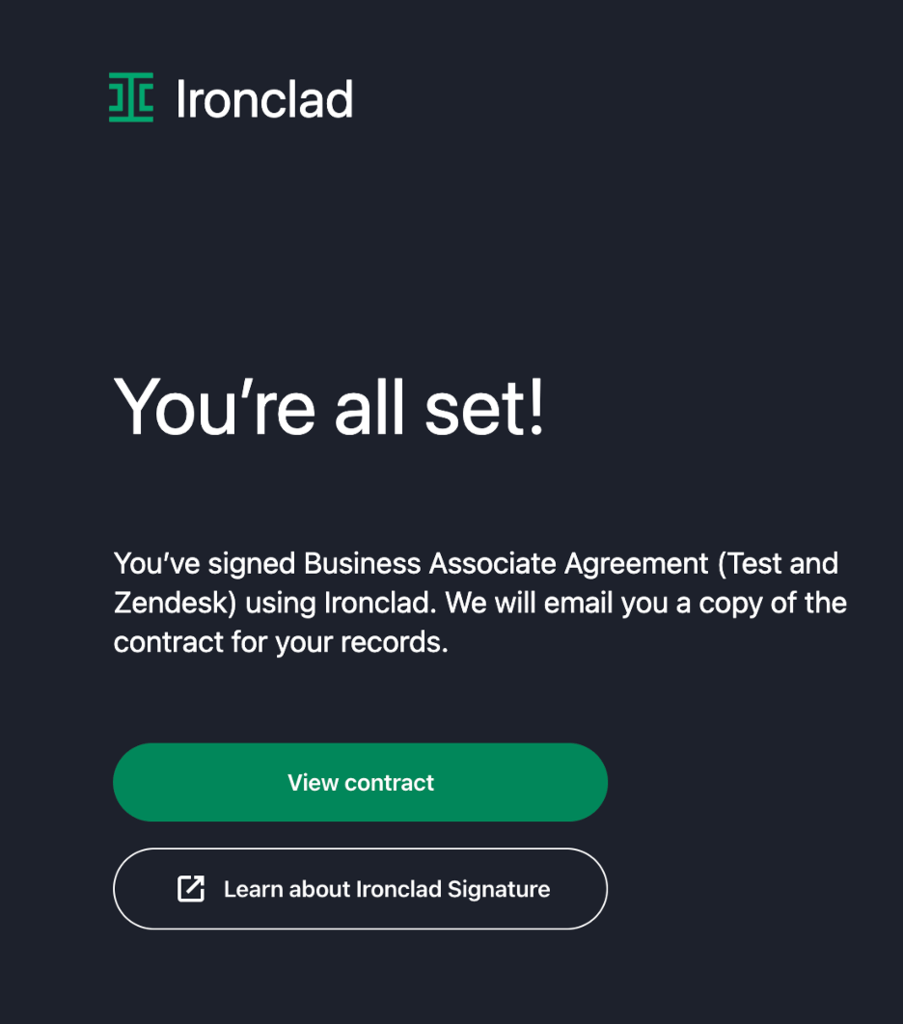
Once you have completed the execution process, you will automatically receive a fully signed copy of the BAA for your files.
HOW THIS BAA APPLIES:
If the Customer entity signing this BAA is a party to the ZCA, this BAA forms part of the ZCA. In such case, the Zendesk entity that is a party to the ZCA is a party to this BAA.
If the Customer entity signing this BAA has executed an Order Form with Zendesk or its Affiliate pursuant to the ZCA, but is not itself a party to the ZCA, this BAA is an addendum to that Order Form and applicable renewal Order Forms, and the Zendesk entity that is a party to such Order Form is a party to this BAA.
If the Customer entity signing this BAA is not a party to an Order Form or ZCA, this BAA is not valid and is not legally binding. Such Customer entity should request that the Customer entity who is a party to the ZCA execute this BAA.
If the Customer entity signing the BAA is not a party to an Order Form, but rather purchases Zendesk Services via an authorized reseller of Zendesk services and in subject to the ZCA (or the Reseller Subscription Services Agreement), this BAA is valid and legally binding.
For additional information about HIPAA compliance, please visit: https://support.zendesk.com/hc/en-us/articles/210178838-Advanced-Security-Data-at-Rest-Encryption-Enhanced-Disaster-Recovery-and-HIPAA-Compliance-Enterprise-Add-on-.
Click here to review and electronically sign the BAA
Business Associate Agreement
Thank you,
Zendesk Legal